
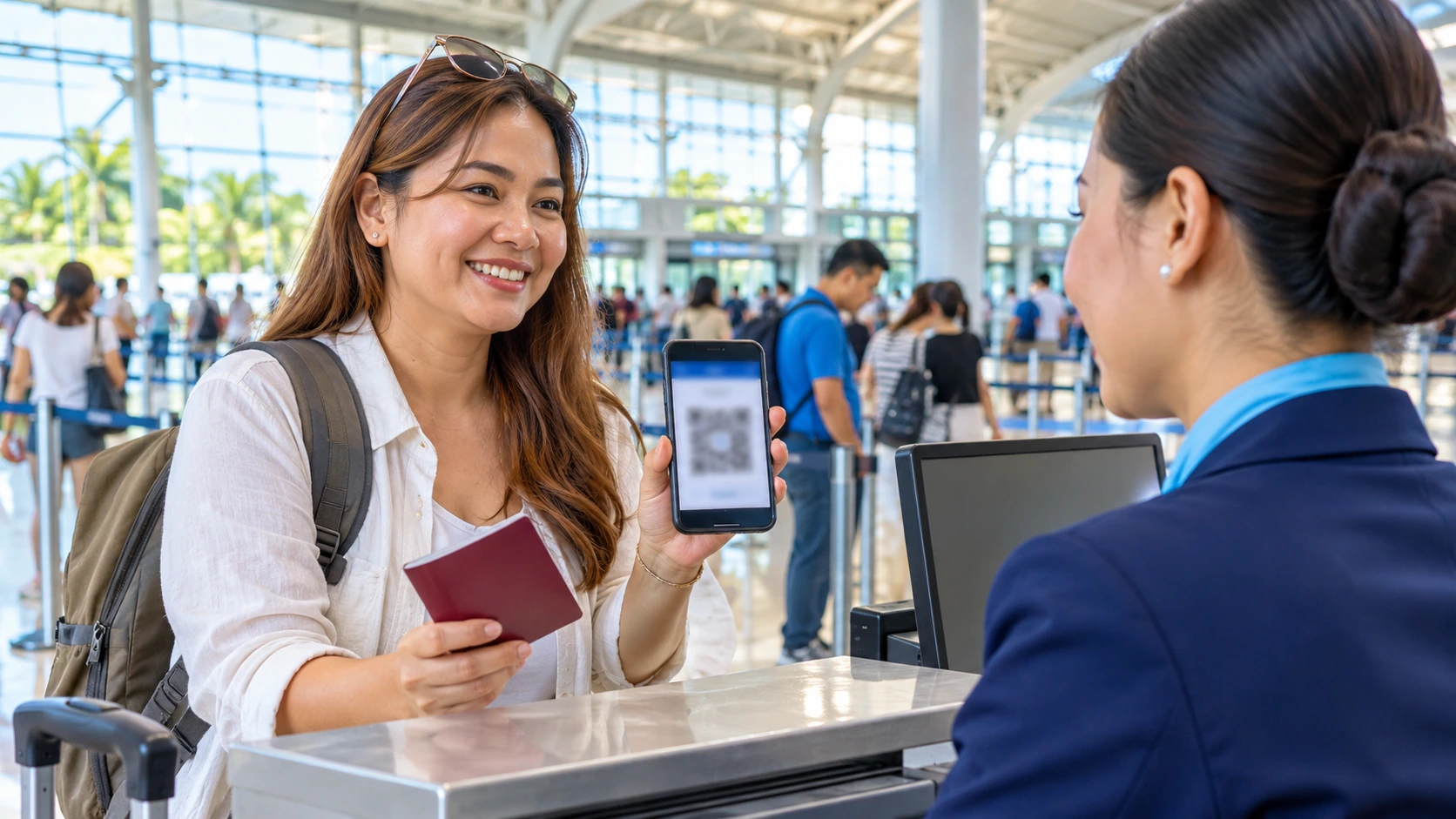
eTravel is free. This guide is independent and not affiliated with the Philippine government. Always register on the official site, etravel.gov.ph, or in the eGovPH app, and check for updates before you travel.
eTravel is the Philippines’ free online arrival and departure registration. Every arriving passenger, Filipino or foreign, and every departing Filipino must register at etravel.gov.ph or in the eGovPH app within 72 hours before the flight. One registration covers immigration, health (quarantine) and customs, and you get a QR code to show at check-in and on arrival. It’s free: any site asking for a fee isn’t official. Departing Filipinos now declare and pay the travel tax as part of eTravel.
Registered for eTravel? Make sure the rest of your trip is covered too.
Who needs to register for eTravel?
| Traveler | Arriving in the Philippines | Leaving the Philippines |
|---|---|---|
| Foreign tourists | Yes, required | Generally no separate departure registration |
| Filipino citizens (including OFWs and dual citizens using a PH passport) | Yes, required | Yes, required, including the travel tax step |
| Airline and ship crew | Yes, required | Follow your carrier’s instructions |
| Sea arrivals (cruise or ferry) | Yes, choose the sea option | — |
Each traveler, including children, generally needs their own registration and QR code; a parent can complete it for kids. Rules can change, so check the official portal’s FAQ before you fly.
How to register for eTravel, step by step
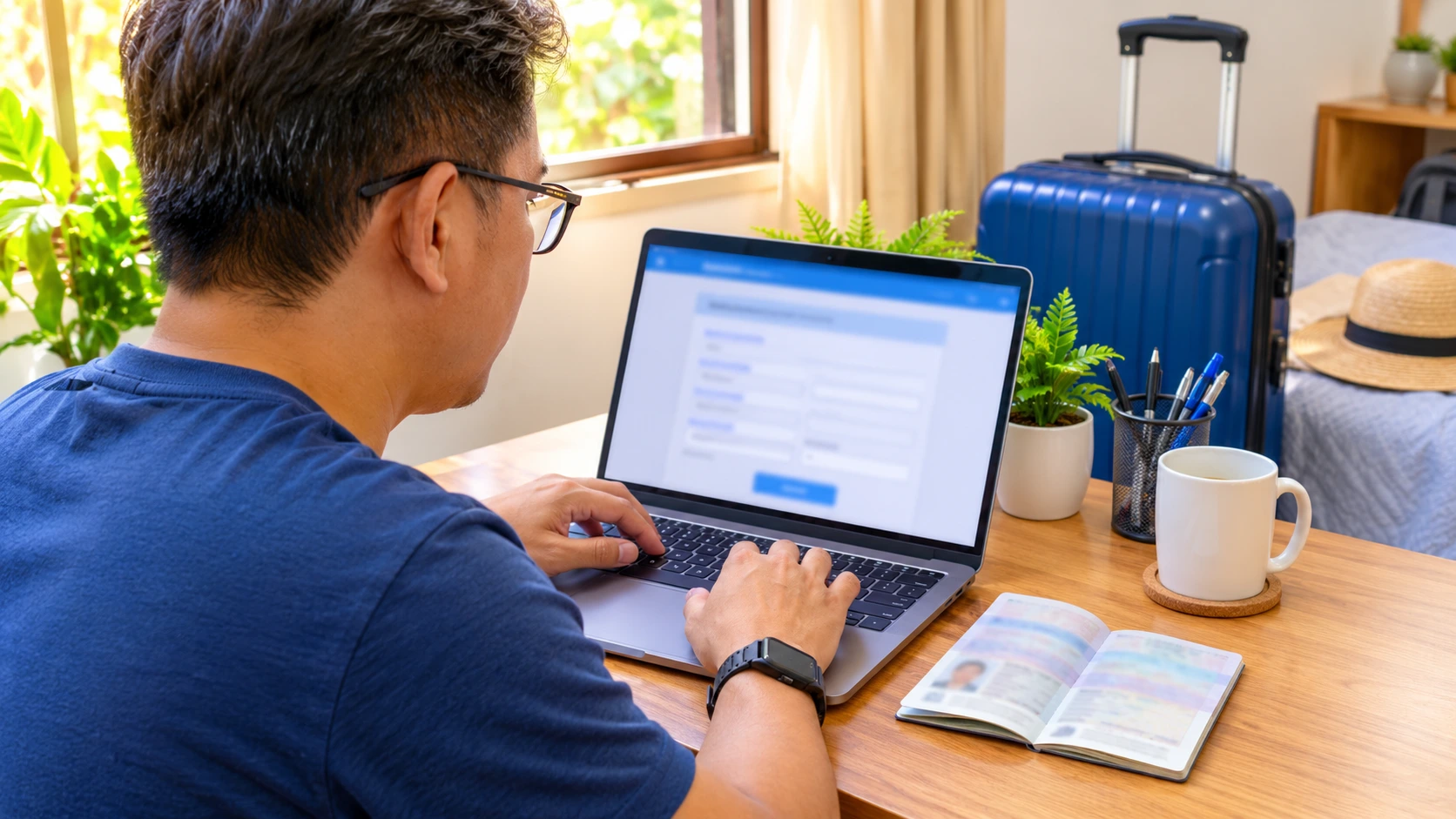
- Wait for the 72-hour window You can only register within 72 hours (3 days) before your scheduled arrival or departure. Registering at booking time is too early.
- Open the official site Type etravel.gov.ph yourself, or use the eGovPH app. Check that the address ends in .gov.ph.
- Choose Arrival or Departure, and Air or Sea Pick the registration that matches your trip.
- Enter your passport and travel details Your name exactly as on your passport, nationality, airline or vessel, flight number, travel date and, for arrivals, the address where you’ll stay.
- Complete the health and customs declarations Answer the health questions and the customs baggage questions, including cash over the allowed limit and goods to declare.
- Departing Filipinos: settle the travel tax Declare and pay the travel tax, or enter your exemption certificate, before you can finish. See our Philippine travel tax guide.

Departing Filipinos settle the travel tax in eTravel. Illustrative image. - Submit and save your QR code The QR code appears on screen and is emailed to you. Take a screenshot and keep it offline.
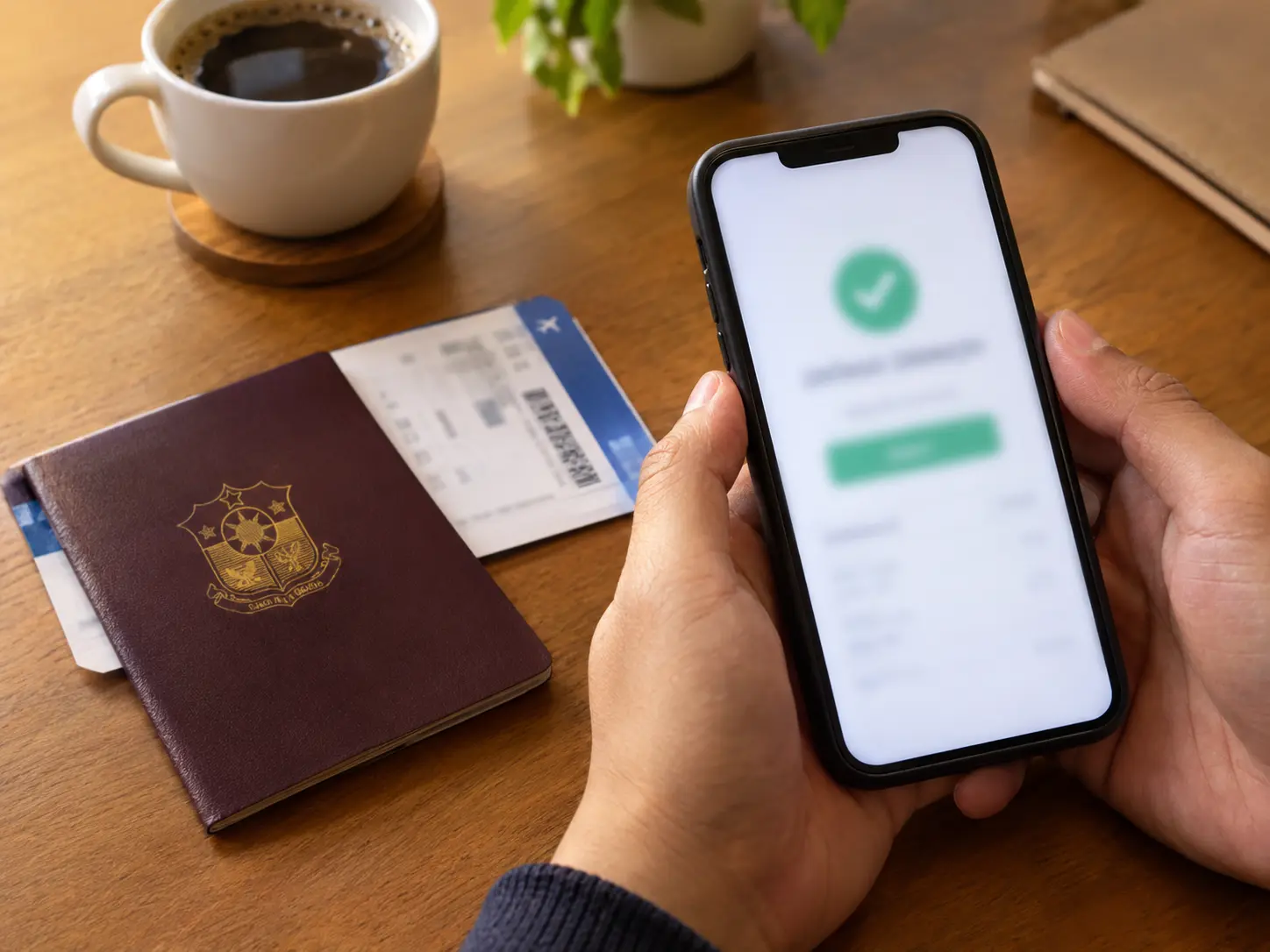
Your eTravel QR code explained
- Show it at check-in and on arrival. Airlines may check it before boarding, and officers scan it at the airport.
- One QR code covers everything. Since May 2024, a single eTravel QR code covers immigration, quarantine and customs; the old paper arrival cards were retired in 2023.
- Green vs red: a green QR code means your details are complete; a red one may mean extra checks on arrival.
- It’s tied to one flight. If your flight changes, update your registration or register again within the 72-hour window.
- Save it offline. Airport Wi-Fi can be slow, so keep a screenshot on your phone. An eSIM also helps.
Beware of fake eTravel websites
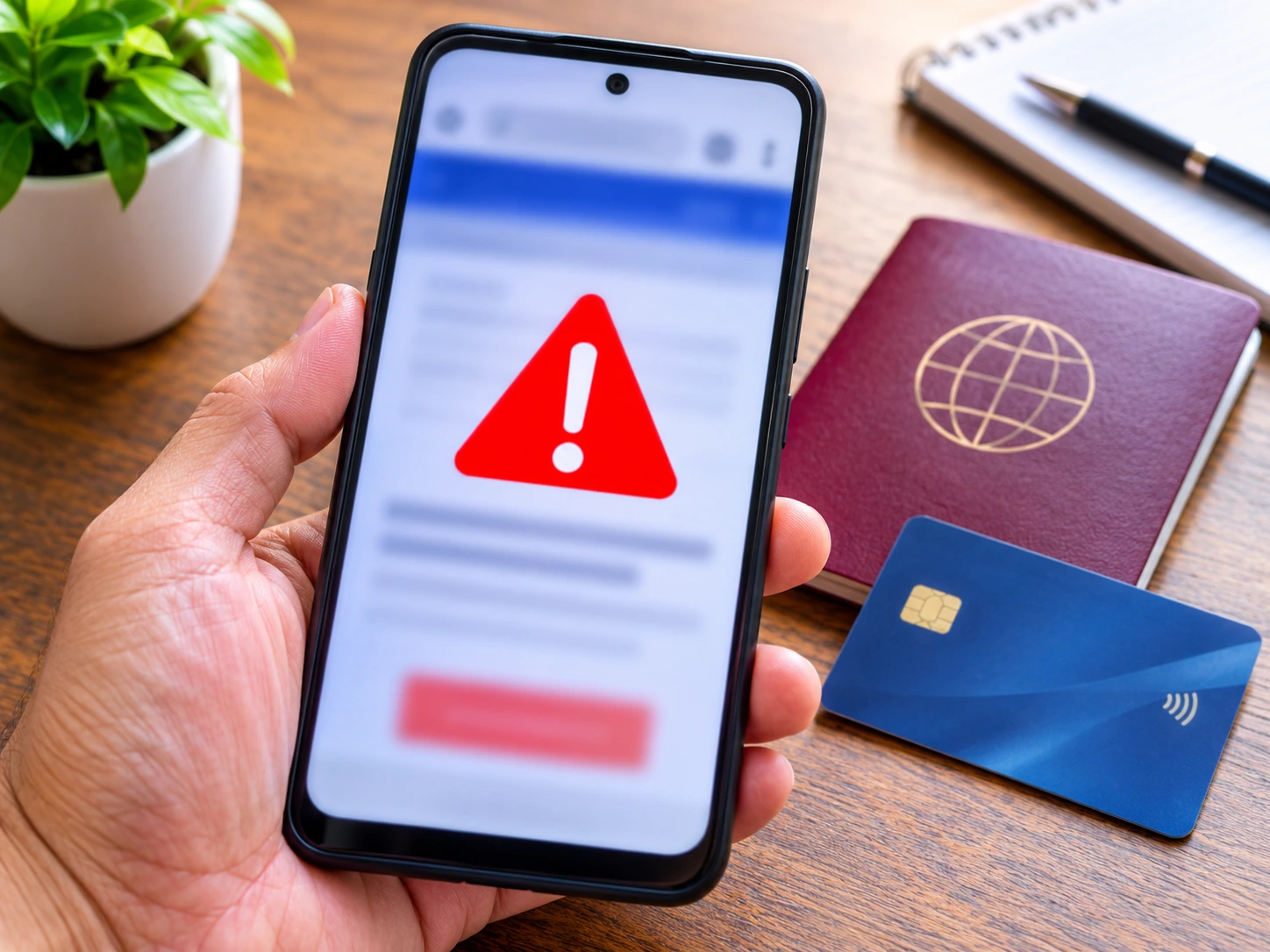
Many lookalike websites charge a “service fee” for eTravel, an “arrival card” or a “QR code.” These are not official. The real eTravel registration is free, and the official portal doesn’t ask for payment for the registration itself.
- Only use etravel.gov.ph or the official eGovPH app.
- Type the address yourself rather than clicking search ads.
- Never pay a fee to register; the only payment inside eTravel is the travel tax for departing Filipinos.
- Don’t share your passport details with sites that don’t end in .gov.ph.
Your Philippines arrival checklist
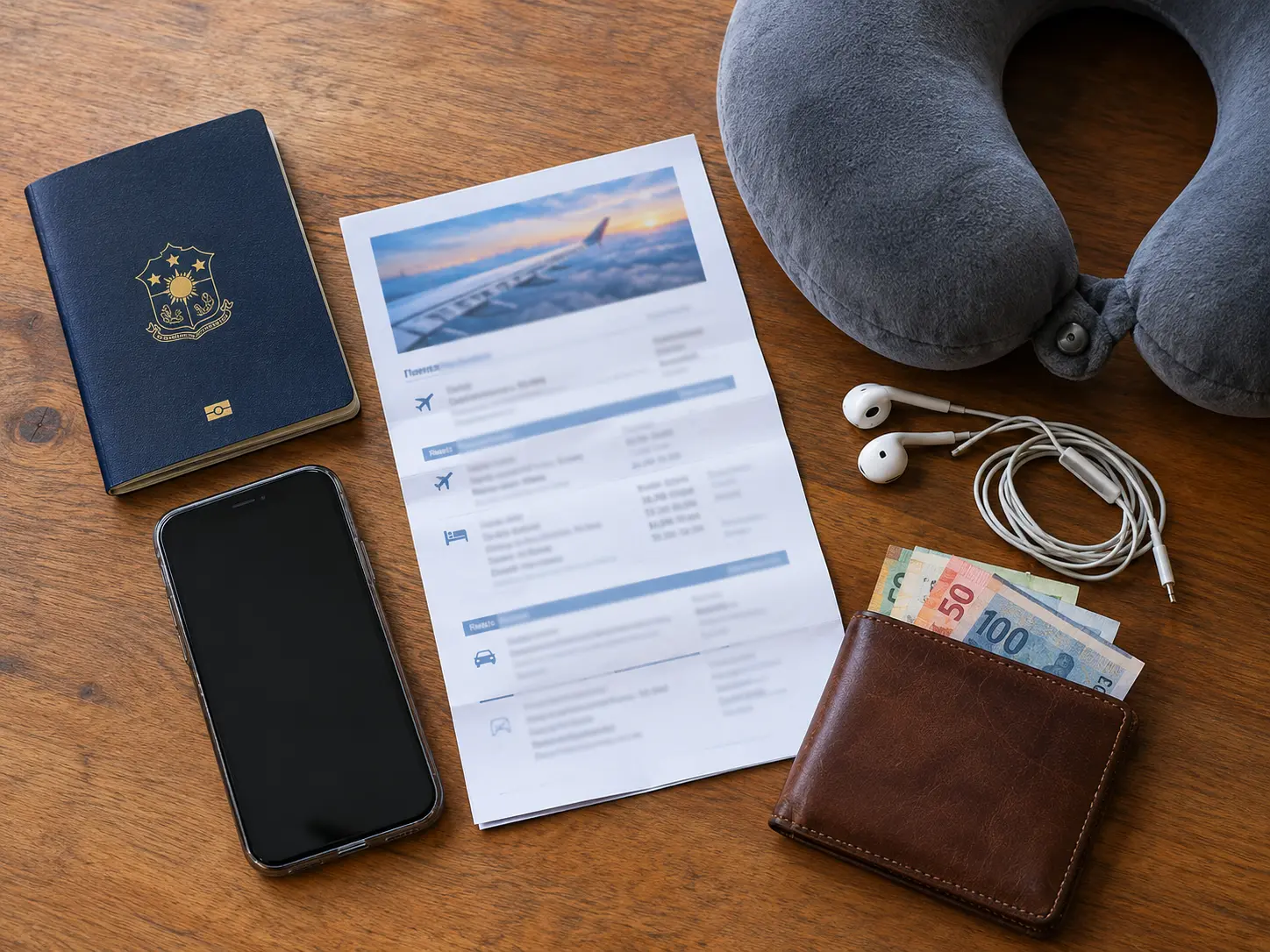
- eTravel QR code, registered within 72 hours of arrival.
- Passport valid at least 6 months beyond your stay, plus a visa if your nationality needs one. See our visa requirements guide.
- Return or onward ticket within your permitted stay.
- Travel insurance. See our travel insurance guide.
- Some pesos and a card for your first day. See money in the Philippines.
Add flights, hotels, tours and travel tax in our free trip budget calculator.
eTravel Philippines: FAQ
What is eTravel Philippines?
eTravel is the Philippine government’s free online travel declaration for arrivals and departures. One registration covers immigration, health and customs, and gives you a QR code to show at the airport.
When should I register for eTravel?
Within 72 hours (3 days) before your arrival in or departure from the Philippines. The portal doesn’t accept registrations earlier than that.
Is eTravel free?
Yes. Registration on the official site, etravel.gov.ph, or the eGovPH app is free. Websites charging a fee are not official.
Do foreigners need eTravel when leaving the Philippines?
Generally no. Foreign tourists register for arrival, while departing Filipino citizens must also register for departure. Check the official portal for the latest rules.
Do children need their own eTravel QR code?
Generally yes. Each traveler, including children, needs a registration, and a parent or guardian can complete it for them.
What if my flight changes after I register?
Your QR code is tied to a specific flight, so update your registration or register again within 72 hours of your new flight.
Is the customs declaration part of eTravel?
Yes. Since May 2024, the customs baggage declaration is built into eTravel, so one QR code covers immigration, quarantine and customs.
Do I pay the travel tax in eTravel?
Departing Filipinos and others who owe the travel tax now declare and pay it, or enter an exemption, as part of eTravel departure registration. Foreign tourists staying less than a year are exempt.
eTravel done. Now plan the trip itself.

Cebu-born travel writer raised between Cebu and Dumaguete, now based in Zamboanga del Sur, Mindanao. Gio writes Best Philippines Travel Guide to help travelers arrive prepared.